


01 / 04
Studio photo
Product photo
AI PRODUCT CONTENT STUDIO
Upload a photo, choose a look and create an image for your marketplace. Source photos, product information and results, all in one place.
No subscription. Pay for generations with coins.In your browser and Telegram
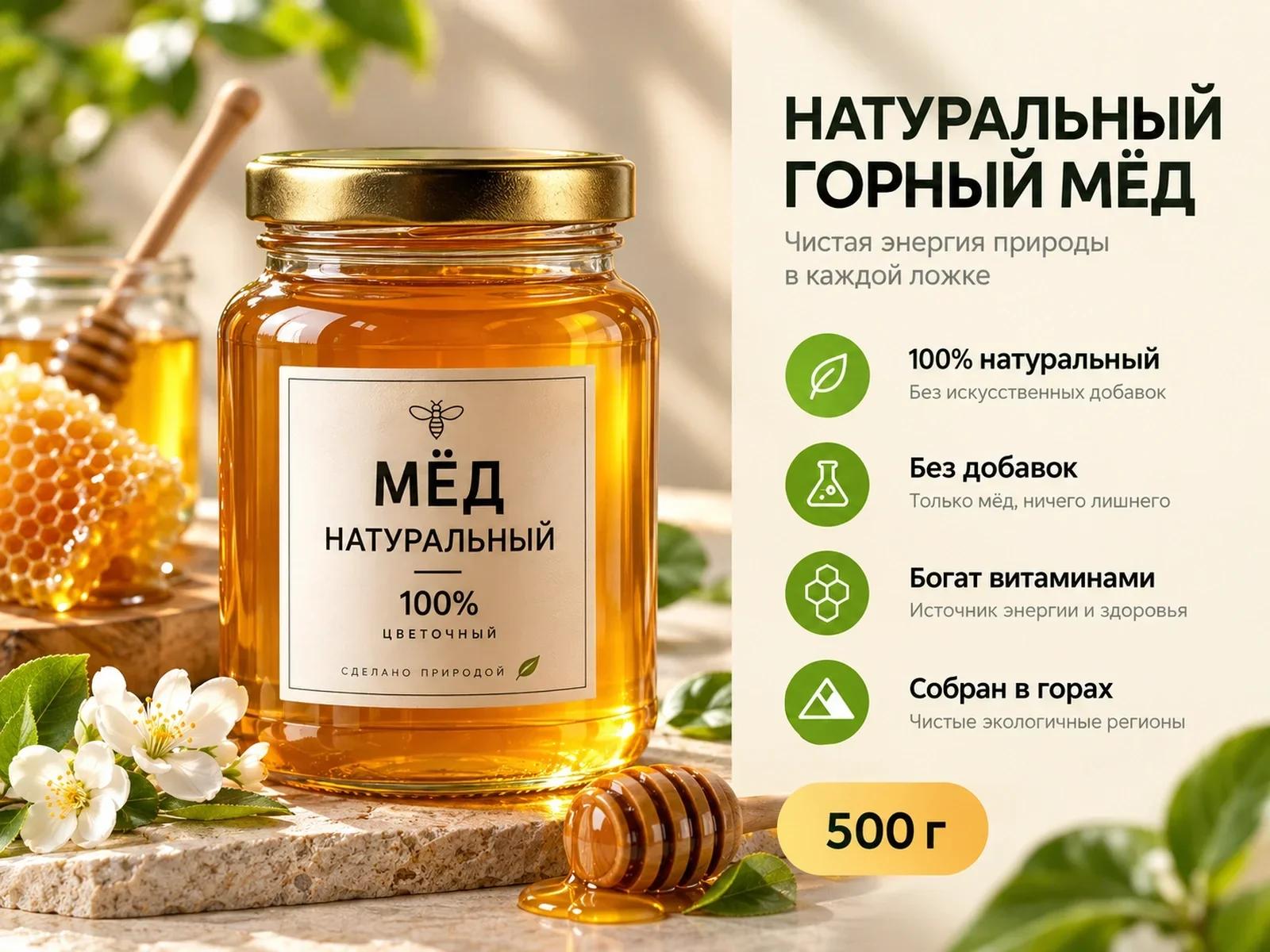

DEMO · Honey marketplace card
1PIC / POSSIBILITIES
Three ways to present your product.
03 / CONTENT GALLERY
Turn one photo into studio shots, lifestyle scenes, marketplace cards and new ways to present the product.
Product photo

Product photo

Marketplace card

Image editing
AI / VIRTUAL TRY-ON
Choose a garment to see it styled on a model. Create your own virtual try-on in the 1PIC workspace.
Try AI virtual try-on ↗


PHOTO → MARKETPLACE
Product, composition, and key details in one image. Compare the source photo with an example layout.
DEMO · Honey marketplace card
04 / PRODUCT CATEGORIES
See what you can create in 1PIC for products across different categories.
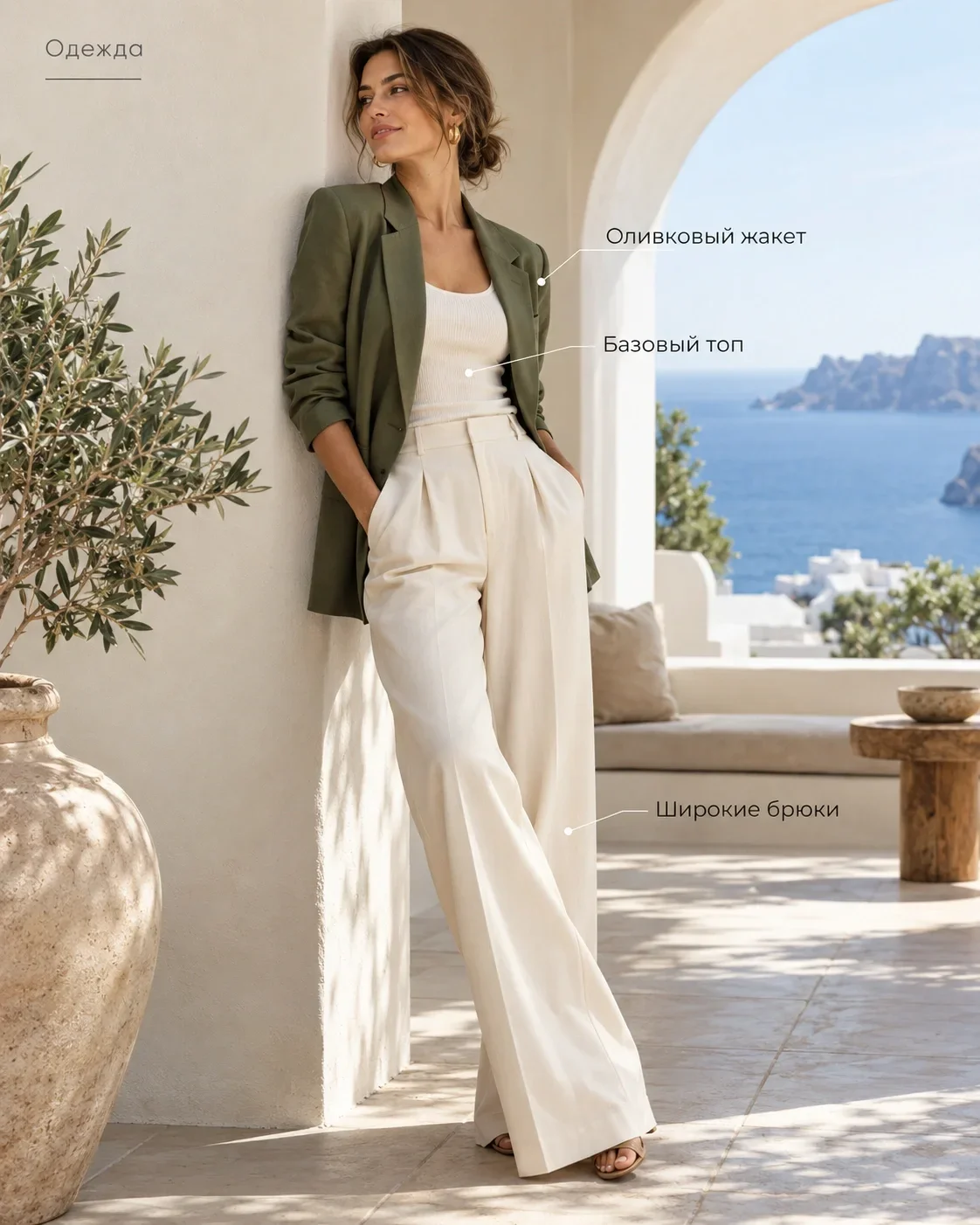
Fashion

Earrings

Sneakers

Toy
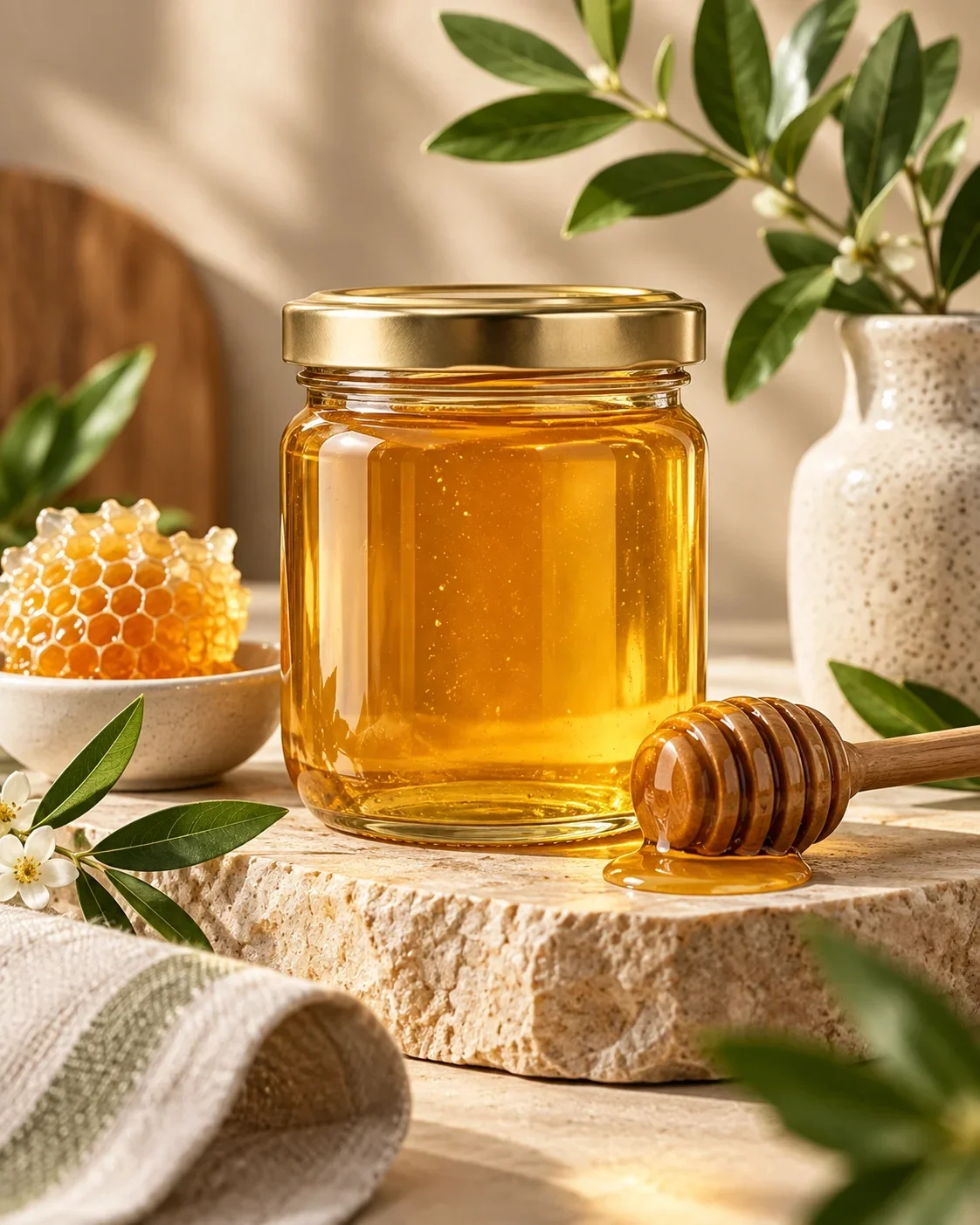
Honey

Home decor
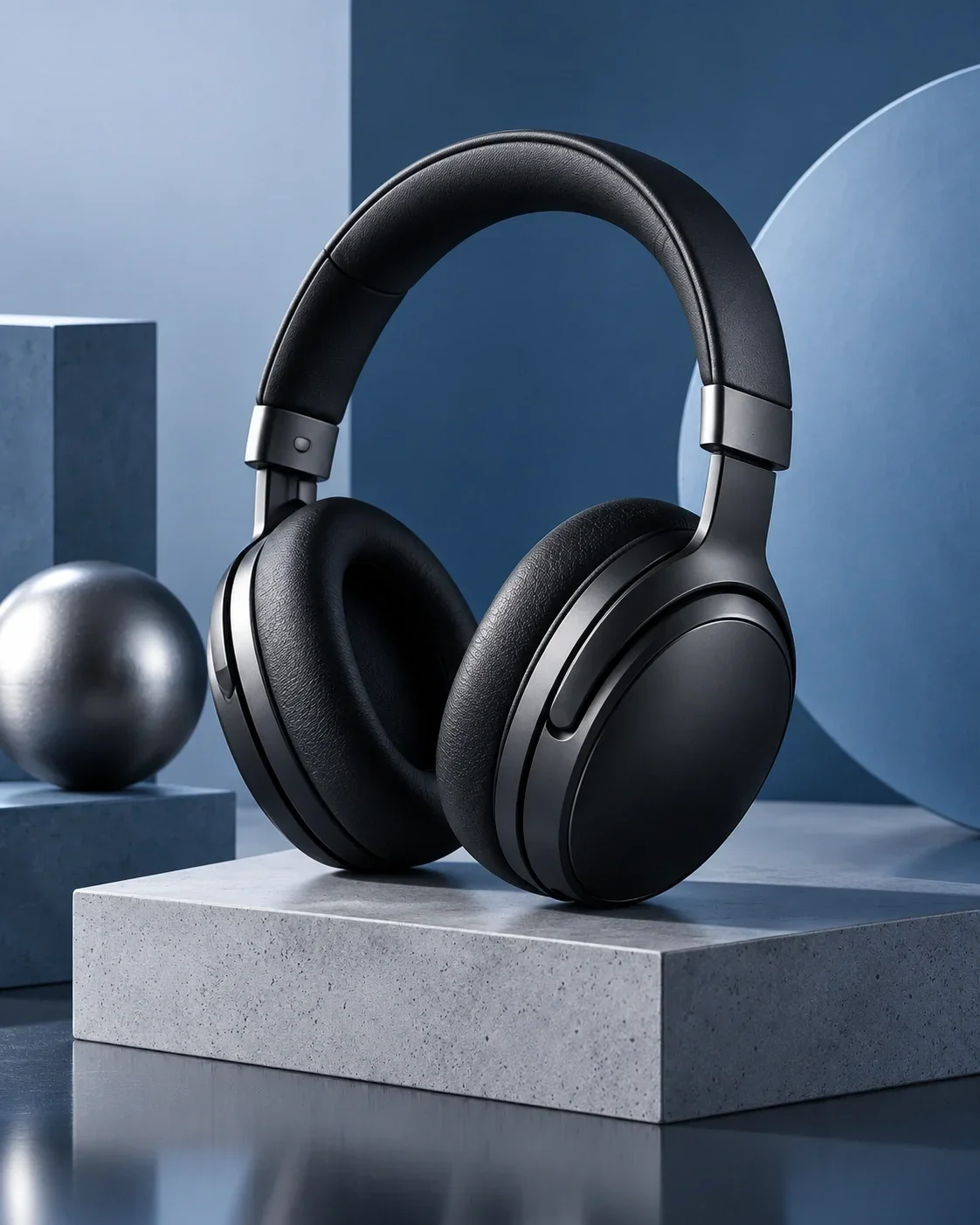
Headphones

Pet products

Cosmetics
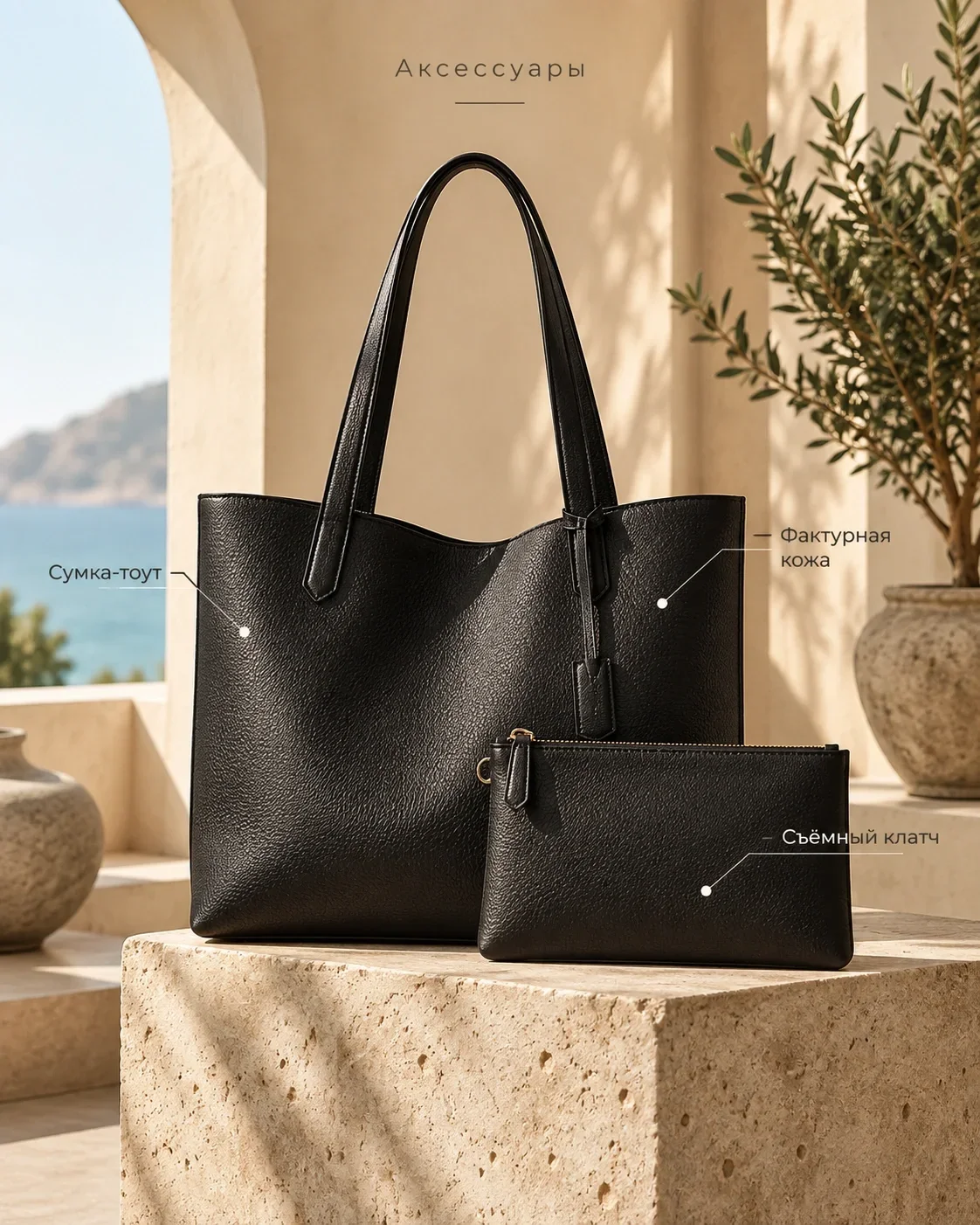
Accessories
01 / WORKFLOW
1PIC keeps the product, task, and result together, without scattered files or a manually assembled workflow.
Upload a source image to your product project.
Select a task, style and add your instructions.
Review the result and download the finished file.
PRODUCT PASSPORTFashionClothing
02 / PRODUCT PASSPORT
Return to your product, continue creating and find the images you need in your studio.
Unknown details are not invented: you can confirm or add them manually.
Open the studio ↗05 / VISUAL DIRECTION
Choose the design character, setting, and composition while every result stays in one product project.
A bold, high-contrast presentation
The product in a relevant context
A clean studio frame
1PIC has a web workspace and a Telegram bot. Choose the way that works for you.
CLEAR PRICING
One-time coin packages. No subscription.
 45 coins
390 ₽
8.67 ₽ per coin
120 coins
990 ₽
8.25 ₽ per coin
330 coins
2 490 ₽
7.55 ₽ per coin
1 000 coins
6 490 ₽
6.49 ₽ per coin
QUESTIONS
JPEG, PNG, and WebP are supported within the upload limit shown in the form.
Timing depends on the task, selected AI route, and load. Progress is shown in generation history.
You can download results and use them when preparing marketplace listings. There is no automatic marketplace publishing.
Yes. Available tasks include image editing, and previous versions remain in history.
It is product data used as shared context. The system should not invent unconfirmed attributes.
Coins are charged at the active price of the selected operation. The defined refund flow applies to technical failures.
Results remain available in your account and generation history; private files are never published automatically.
1PIC / START
Choose a product and try a new look.
Create the first card Open the bot ↗