

Keep the product in focus
Create a product photo with AI
Your photograph defines the item; your brief defines the presentation. Prepare a clear studio view or a useful everyday scene, then compare the result with the real product.
1PIC / A 1PIC example
From a source photo to a clear presentation
A real public 1PIC example. Check your own product and every caption before publication.
Different products need different visual tasks
These examples illustrate presentation. Verify your own product specifications and package contents separately.
An ordinary photo is a practical starting point
You do not need a complicated set to begin. You need a sharp photograph with the whole item visible and enough detail to inspect its colour, texture and construction. A phone photo can work when it provides that information.
AI can change the visual setting, but an unclear source is not reliable product documentation. If the logo, fastening or edge is missing, take a better photograph instead of asking the system to invent it.
Studio presentation without distractions
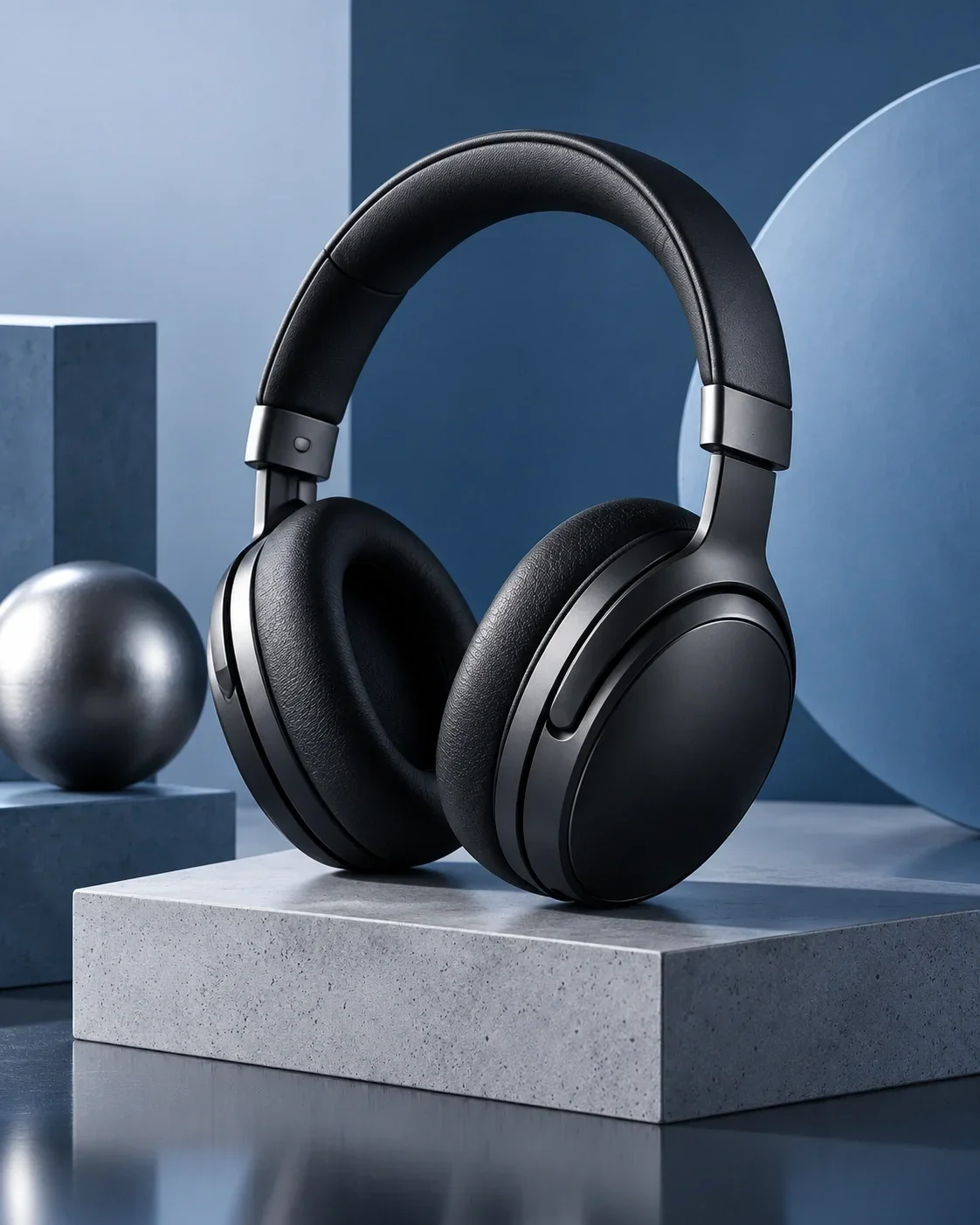
Use a quiet setting and understandable light when shape, colour or packaging matters most. It becomes easier to distinguish similar models and compare the result with the physical item.
Do not ask for extra shine or a different shade if that changes the material. Matte surfaces need plausible texture; transparent ones need careful edges and highlights. A shadow should support volume, rather than hide part of the product.
Show suitable clothing on a model
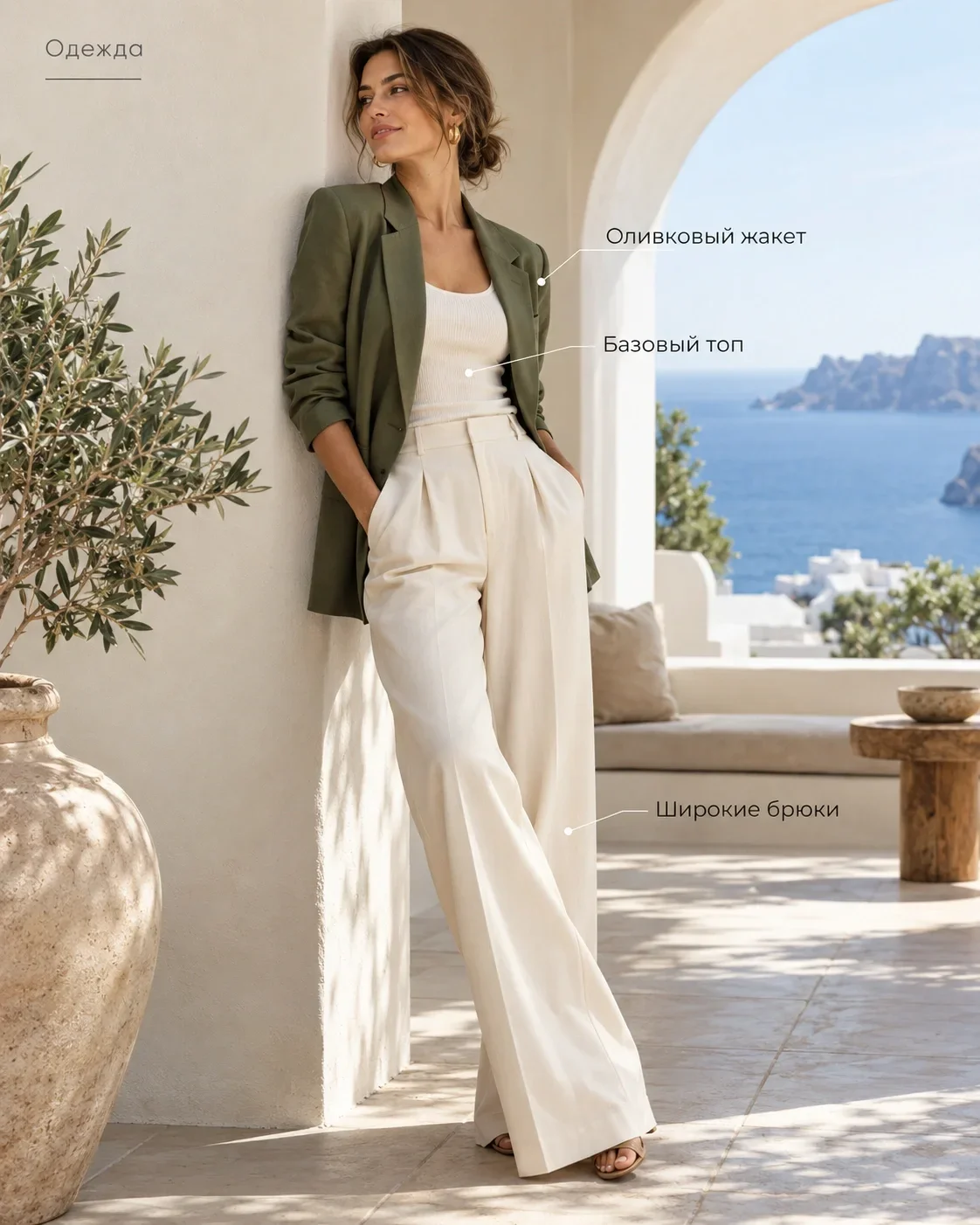
A model presentation can help explain silhouette, length and visible construction for appropriate clothing categories. Choose a calm pose and an angle that keeps the garment in view.
Check the neckline, sleeves, pockets, print and fastenings. Folds must not become a different construction, and accessories should not obscure the item. The image does not establish a size chart or fit for every customer; confirm that information separately.
Use a setting to explain use
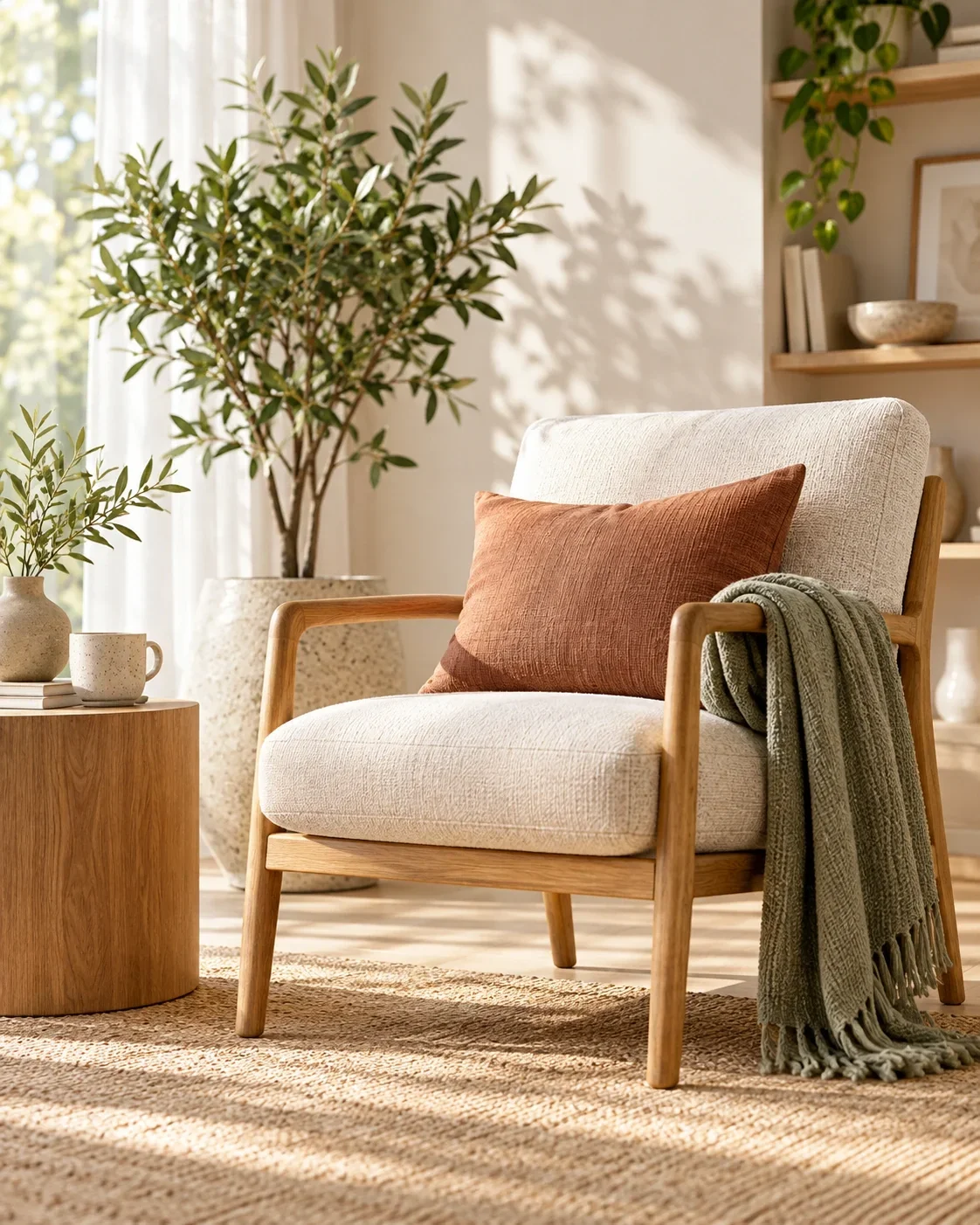
A lamp beside a chair or an accessory on a desk can provide a useful everyday context. The scene should support the product’s purpose instead of becoming the main attraction.
Watch scale and perspective. Props should not imply they are included in the purchase. When dimensions affect the decision, provide confirmed measurements rather than relying only on a comparison with furniture in the image.
Give a lifestyle scene a clear purpose
Describe where the item is used and what someone should notice. One understandable situation is enough. Too much equipment, a bright background and complicated action can make the product secondary.
For cosmetics, emphasise the packaging; for decor, show suitable placement; for accessories, choose a useful angle. Do not imply an unconfirmed property through the scene, such as water resistance simply because an object is shown near water.
Prepare a photograph and confirmed information. Choose a format and review the result in Studio.
Start with your photo ↗Compare the details that identify the item
Place the result beside the source. Review specific features, rather than only the overall similarity. Small changes can matter to a customer’s choice, even when the picture looks convincing.
If a detail differs, refine the task or use a clearer source. Before publication, zoom in on the outline, small labels and connections between parts. Human review remains part of the workflow.
- Shape and proportions.
- Actual colour rather than an attractive replacement palette.
- Material and surface texture.
- Logo and markings.
- Controls, seams, fastenings and package contents.
Choose the approach by category
Clothing depends on cut and construction; cosmetics on packaging and labelling; electronics on controls and connectors. Home products often need clear proportions, while jewellery depends on small fastenings and surfaces. One background does not solve every category’s task.
Use the examples as visual references. Choose one verifiable goal for your own product. If the image needs benefit captions, use a card format with confirmed data: photography and infographics need different kinds of review.
Pricing
See the current cost
Current operation prices and available coin packages. Studio shows the selected task’s cost before you start.
- Product photo
- 3 coins
- Image editing
- 1 coins
- Marketplace card
- 3 coins
Старт
390 ₽45 coins
Базовый
990 ₽120 coins
Про
2 490 ₽330 coins
Before you start
Can I use a phone photograph?
Yes, if the item is sharp, fully visible and its colour and details can be inspected. Replace a dark, cropped or blurred source.
Can I show clothing on a model?
A suitable presentation is available for appropriate clothing categories. Check the cut, print and details against the original garment.
Are the logo and material guaranteed without review?
Review the result before publication. Compare shape, colour, texture, logo and construction with the source.
What if I need text in the image?
Use a card format with confirmed product facts. Do not ask AI to infer composition, measurements or technical specifications from appearance.
1PIC / STUDIO
Start with one clear image
Your product, verified facts and a specific visual task provide a result you can meaningfully review.
Start with your photo