

From a photo to a clear presentation
Create a product card with AI
Start with your product photograph. Choose a visual task, add verified information and prepare an image that helps a customer understand what they are buying.
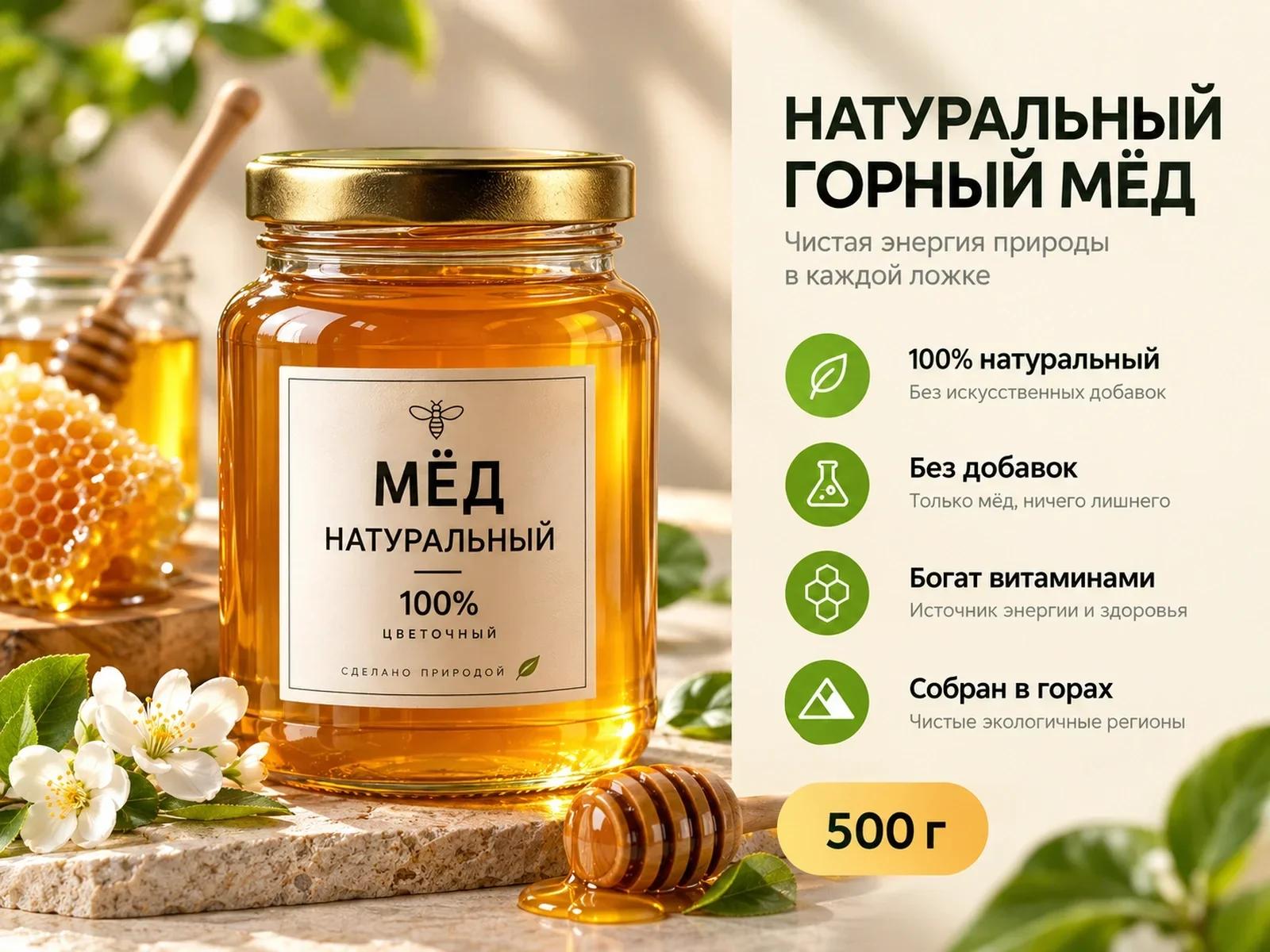
1PIC / A 1PIC example
From a source photo to a clear presentation
A real public 1PIC example. Check your own product and every caption before publication.

DEMO · Honey marketplace card
Different products need different visual tasks
These examples illustrate presentation. Verify your own product specifications and package contents separately.
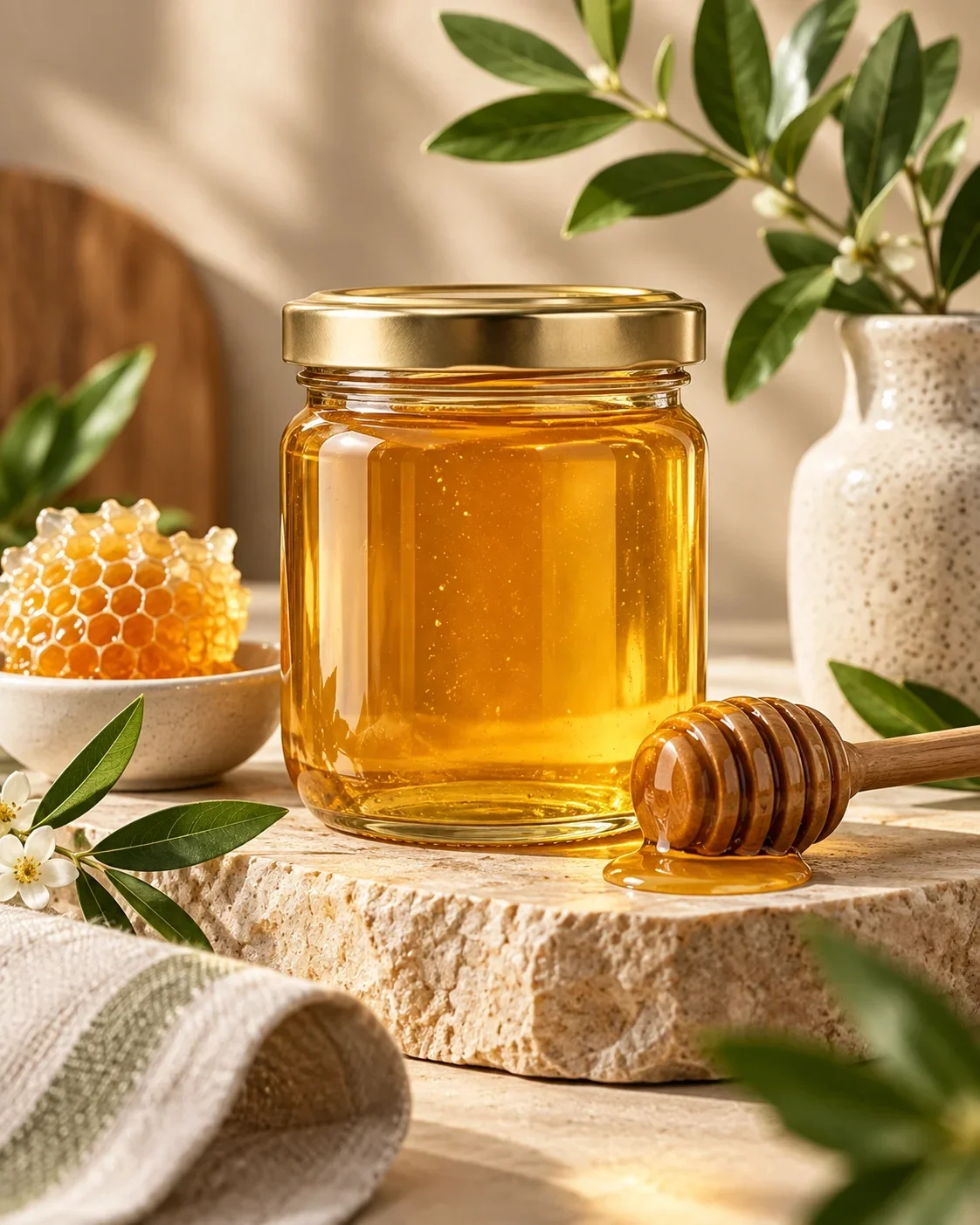

One product, one clear visual task
A product card should make the item recognisable and explain something useful about it. A calm studio photograph can show shape and packaging. A scene can explain use. A short text accent can clarify the contents of a set. Decide which question the image needs to answer before choosing a style.
An AI product card generator is a way to prepare that visual material from a source photograph and your instructions. It does not replace the product listing, its specifications or the seller’s final review. Keep the finished image consistent with the item a customer will actually receive.
Choose what the image needs to do
For a detailed object, start with a product photo. For an everyday use case, choose a suitable setting. For appropriate clothing categories, a model presentation can help explain the silhouette. A marketplace card adds short, verified text to the visual. An edit can refine a result when the brief needs a specific correction.
These are different tasks, rather than a reason to put every available effect into one frame. A strong image gives the product space. Choose a single purpose first, then decide whether additional information belongs in a separate visual or in the written listing.
- Show the product clearly in a studio-style presentation.
- Place it in a plausible everyday setting.
- Present suitable clothing on a model.
- Add confirmed details in a marketplace card.
- Review and refine a result with a concrete editing task.
Upload, choose a format, review the result
Upload a photograph in which the whole product is visible. Select an available format and describe the intended presentation. Separate facts from styling instructions: the contents of a set are product information; a quiet background and soft light are visual choices. Review the selected parameters and the price shown in the interface before starting.
When the result is ready, compare it with the source rather than judging it only as a picture. Check the outline, proportions, colour and important details. Read every added caption. If something is wrong, make the correction specific: identify the detail and explain what needs to stay unchanged.
Prepare a photograph and confirmed information. Choose a format and review the result in Studio.
Start with your photo ↗Product fidelity begins with a useful source
The source photograph provides a reference for the actual item. Pay particular attention to features that distinguish it from similar products: the shape of a fastening, a seam, a label, a handle or a connector. A visually convincing image still needs that comparison before publication.
Do not accept a changed detail simply because the scene looks attractive. A bag with a different clasp or a bottle with a different cap may misrepresent the purchase. Make a short checklist for your item and review each point. The aim is a useful presentation of a real product, with human verification of the result.
Use information you can confirm
AI cannot reliably infer composition, dimensions, power, compatibility or durability from appearance. Collect those facts from documentation, labels or measurements. Tell the service which information may be used and leave unknown properties out of the brief.
A short, precise caption is more helpful than an unsupported superlative. Check numbers, units, quantities and model names separately. If a claim concerns safety, health or a special material property, make sure you have an appropriate basis for it. Attractive typography does not turn a guess into a product fact.
Different categories need different emphasis
For clothing, look at the cut, print and visible construction. For cosmetics, check packaging, labelling and volume. For electronics, review controls, connectors and the real contents of the purchase. Home products may need a clearer sense of proportion, while accessories often depend on small fastenings or surface details.
Use the examples as references for presentation, not as specifications for your own product. A similar-looking item can have different materials and functions. Work from your own photograph and verified data, and choose a composition that makes the important features easy to inspect.
Give styling a clear boundary
Describe a manageable visual direction: a restrained palette, a suitable surface, the character of the light and enough space around the product. Avoid a brief that asks for several contradictory styles at once. Clear instructions make it easier to decide whether the result answers the original task.
If you prepare several images manually, keep their palette and role coherent. That is an editorial approach to your materials, rather than a promise of an automatic collection workflow. Review each image on its own, especially when it introduces a new angle, scene or text accent.
A phone photograph can be enough
You do not need an elaborate set to begin. You do need a sharp, complete view of the item. Avoid strong filters, clipped edges and reflections that hide labels. If the source does not show a key detail, take a better photograph instead of asking AI to guess it.
Keep the original file for later comparison. Tell the service which object is the main product if the photograph contains props. A clear source and a focused brief provide a more useful starting point than a request to make everything perfect without explaining what matters.
Check the actual published material
View the result at full size and as a small mobile preview. The product should remain recognisable and the main caption readable. Remove unnecessary text before trying to squeeze it into a tighter layout. Compare the image with the listing title, specifications and package contents.
Before uploading, check the current requirements of the chosen marketplace and category. Preparing an image in 1PIC does not publish it automatically or guarantee moderation. After uploading, inspect the customer-facing preview as well: the final check concerns the real listing, not only the generation screen.
Keep the approved version clearly identified when someone else handles publication. Include the product name and checked facts with the file. This makes it easier to avoid uploading an older draft and to review the visual again if the packaging or contents change.
Pricing
See the current cost
Current operation prices and available coin packages. Studio shows the selected task’s cost before you start.
- Product photo
- 3 coins
- Image editing
- 1 coins
- Marketplace card
- 3 coins
Старт
390 ₽45 coins
Базовый
990 ₽120 coins
Про
2 490 ₽330 coins
Before you start
Can I start with a phone photograph?
Yes, if it is sharp, shows the whole product and preserves visible colour and details. Replace a blurred, heavily filtered or obstructed source before generating.
Does AI know the product specifications?
No. Provide confirmed facts from labels, documentation or measurements. Review every generated caption before publication.
Where can I see the price?
The current operation prices and available coin packages are shown below and on the pricing page. The interface displays the selected operation’s cost before you start.
Can I refine an image afterwards?
Use an available editing workflow with a specific correction, then compare the result with the original product again.
1PIC / STUDIO
Start with one clear image
Your product, verified facts and a specific visual task provide a result you can meaningfully review.
Start with your photo