

Clear at a glance
Create infographics for a product card
Help a customer understand the item, its purpose and the contents of the purchase. Combine your photograph with short, verified text accents.

1PIC / A 1PIC example
From a source photo to a clear presentation
A real public 1PIC example. Check your own product and every caption before publication.


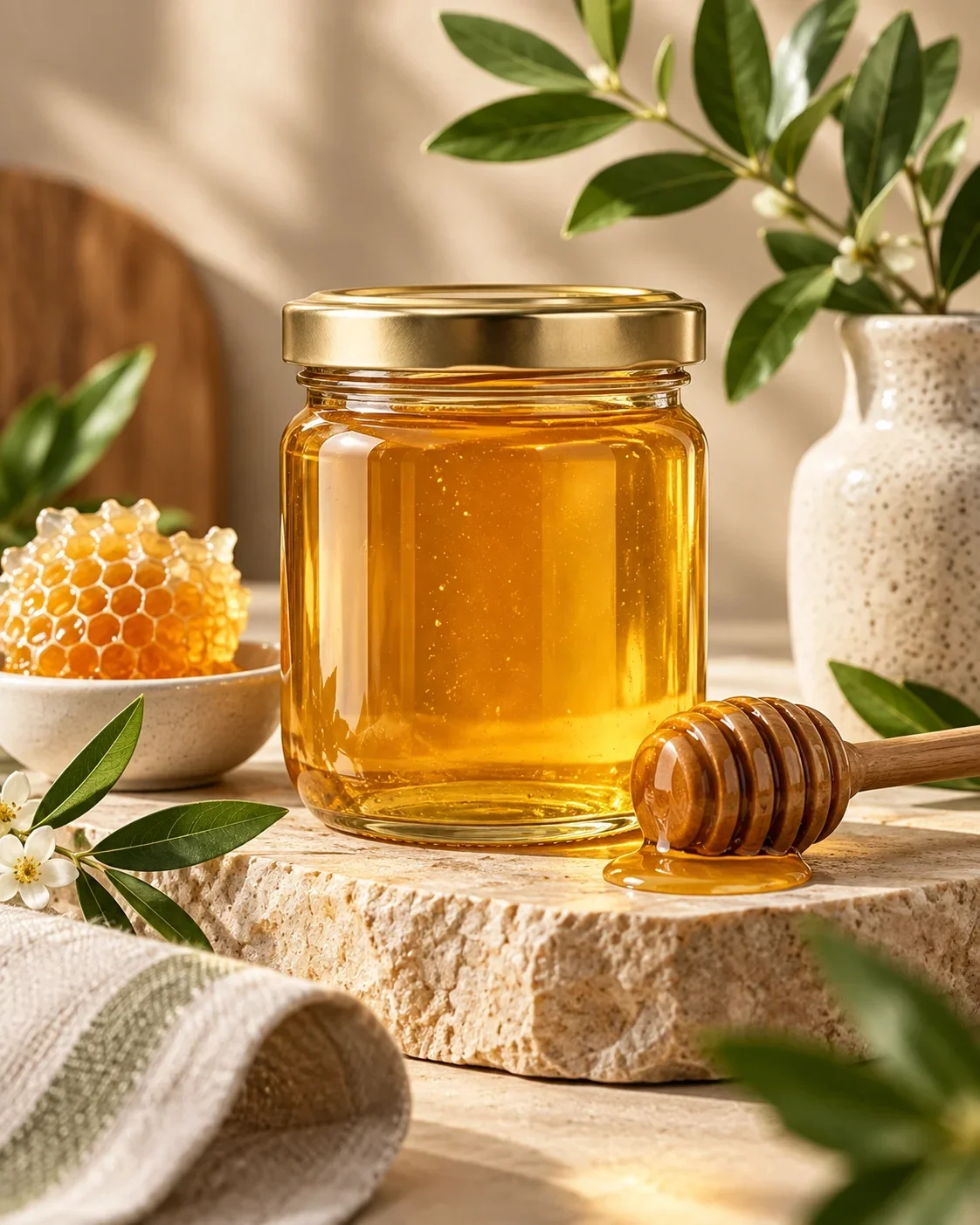
DEMO · Honey marketplace card
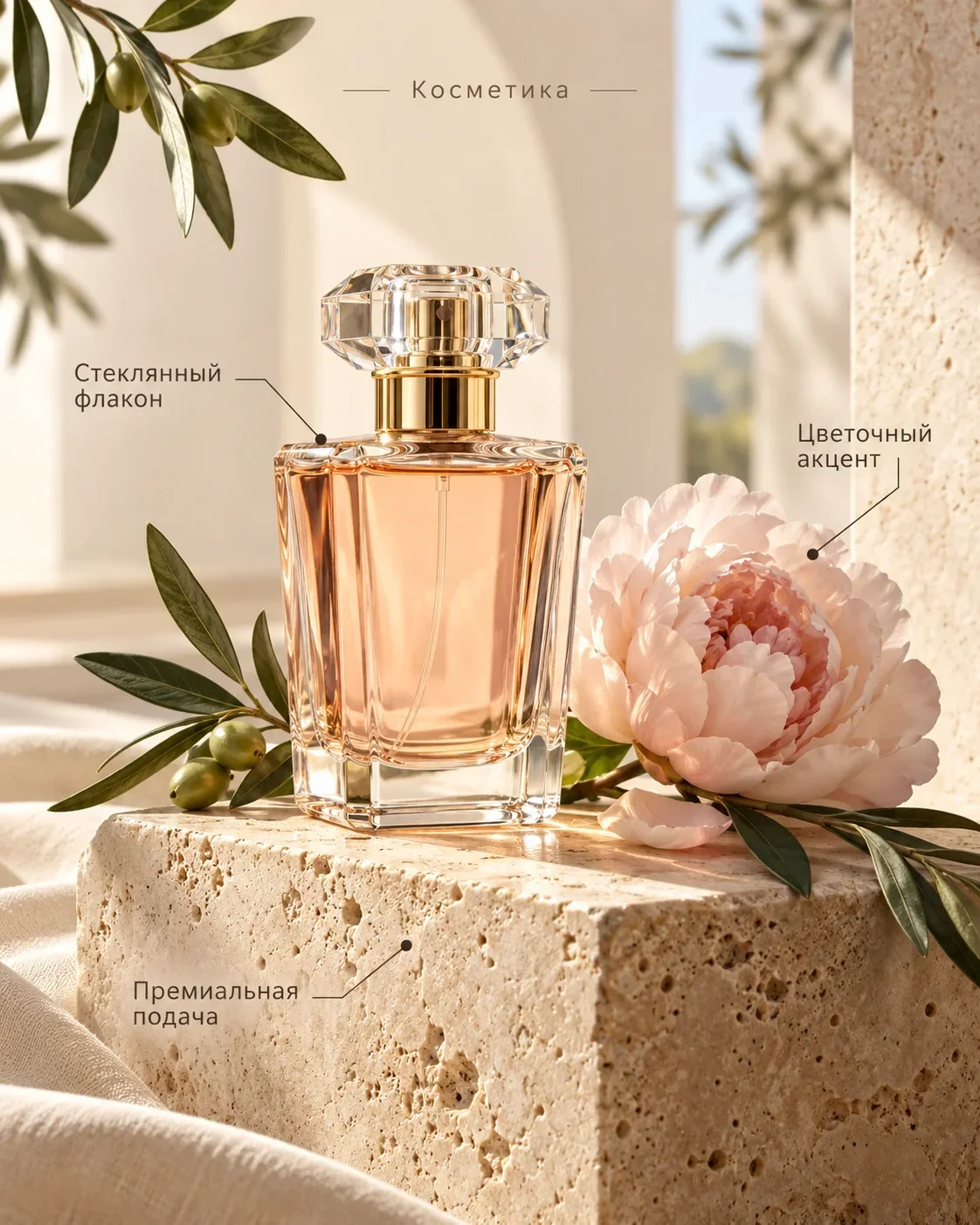
Different products need different visual tasks
These examples illustrate presentation. Verify your own product specifications and package contents separately.
Choose facts that help someone decide
Start with the customer’s questions, rather than decorative labels. A bag may need dimensions and compartment information; a set needs a clear quantity; cosmetics need confirmed volume and purpose. Gather the information from documentation or measurements before working on the image.
A useful benefit has a factual basis. Material should come from a label, size from a measurement and package contents from an actual count. Replace vague superlatives with a specific construction detail or a realistic use case.
- Dimensions with units and a clear distinction between item and packaging.
- Only the objects included in the purchase.
- Confirmed materials rather than guesses from appearance.
- Realistic uses without unsupported performance claims.
What AI cannot know from a photograph
Appearance does not reliably establish composition, power, service life or compatibility. A plausible caption can still be wrong. Do not ask the system to fill gaps with guesses: identify the facts that may be used and leave unknown properties out.
Be especially careful with health, protective or environmental claims. Remove a statement if you cannot support it. Proofread numbers, units, model names, quantity and limitations separately before publication. The seller remains responsible for the accuracy of the finished material.
Give each level of text a job
The product is the main visual object. A headline explains the purpose, one or two accents highlight useful points and short captions clarify details. When everything is equally prominent, the viewer has to search for a starting point.
Leave the product visible and provide contrast between text and background. Reduce the result to a phone-sized preview: the main message should survive without zooming. If a caption disappears, shorten it or reconsider whether it belongs in the image at all.
Match the styling to the task
A restrained presentation can make form and material easier to inspect. A limited set of colour accents can separate a few confirmed properties. For a set, show quantity and contents clearly without adding accessories that are not included.
Describe a manageable palette and tone. Do not try to fit an entire specification sheet into the image. The written product description is a better place for information that requires careful reading or qualifications.
Prepare an infographic in 1PIC
Upload a clear photograph and select the card format. List verified facts, choose the main point and explain the intended styling. Separate product information from visual instructions: volume is a fact; a quiet light background is a design choice.
Review the product first, then the text and reading order. If a correction is needed, make it specific. An attractive result still needs a factual check before it can become part of a real listing.
Prepare a photograph and confirmed information. Choose a format and review the result in Studio.
Start with your photo ↗Review before publication
Inspect the full-size image and a small preview. Check that the logo, texture, fastenings and packaging remain consistent with the source. Re-read each caption against the actual purchase.
Check the current marketplace requirements before uploading. Treat the examples as presentation references, not ready-made facts for similar products. Work from your own source and verified data even when an example looks familiar.
Pricing
See the current cost
Current operation prices and available coin packages. Studio shows the selected task’s cost before you start.
- Product photo
- 3 coins
- Image editing
- 1 coins
- Marketplace card
- 3 coins
Старт
390 ₽45 coins
Базовый
990 ₽120 coins
Про
2 490 ₽330 coins
Before you start
Do I need to prepare the specifications first?
Yes. Supply confirmed dimensions, materials, volume and package contents. AI should not infer these details from appearance.
How much text belongs in one image?
Only as much as remains clear in a small preview. Start with one main message and a few short supporting facts.
Can one result be used on different marketplaces?
Review the current requirements of each marketplace and check all captions before each publication. A prepared image does not guarantee approval.
How is an infographic different from a product photo?
A product photo shows the item’s appearance. An infographic adds structured text accents to explain confirmed properties and package contents.
1PIC / STUDIO
Start with one clear image
Your product, verified facts and a specific visual task provide a result you can meaningfully review.
Start with your photo