

Wildberries · a clear first impression
Create product cards for Wildberries online
Give the product room to be seen. Build a readable presentation around the actual item, then check the image, captions and current marketplace requirements.

1PIC / A 1PIC example
From a source photo to a clear presentation
A real public 1PIC example. Check your own product and every caption before publication.
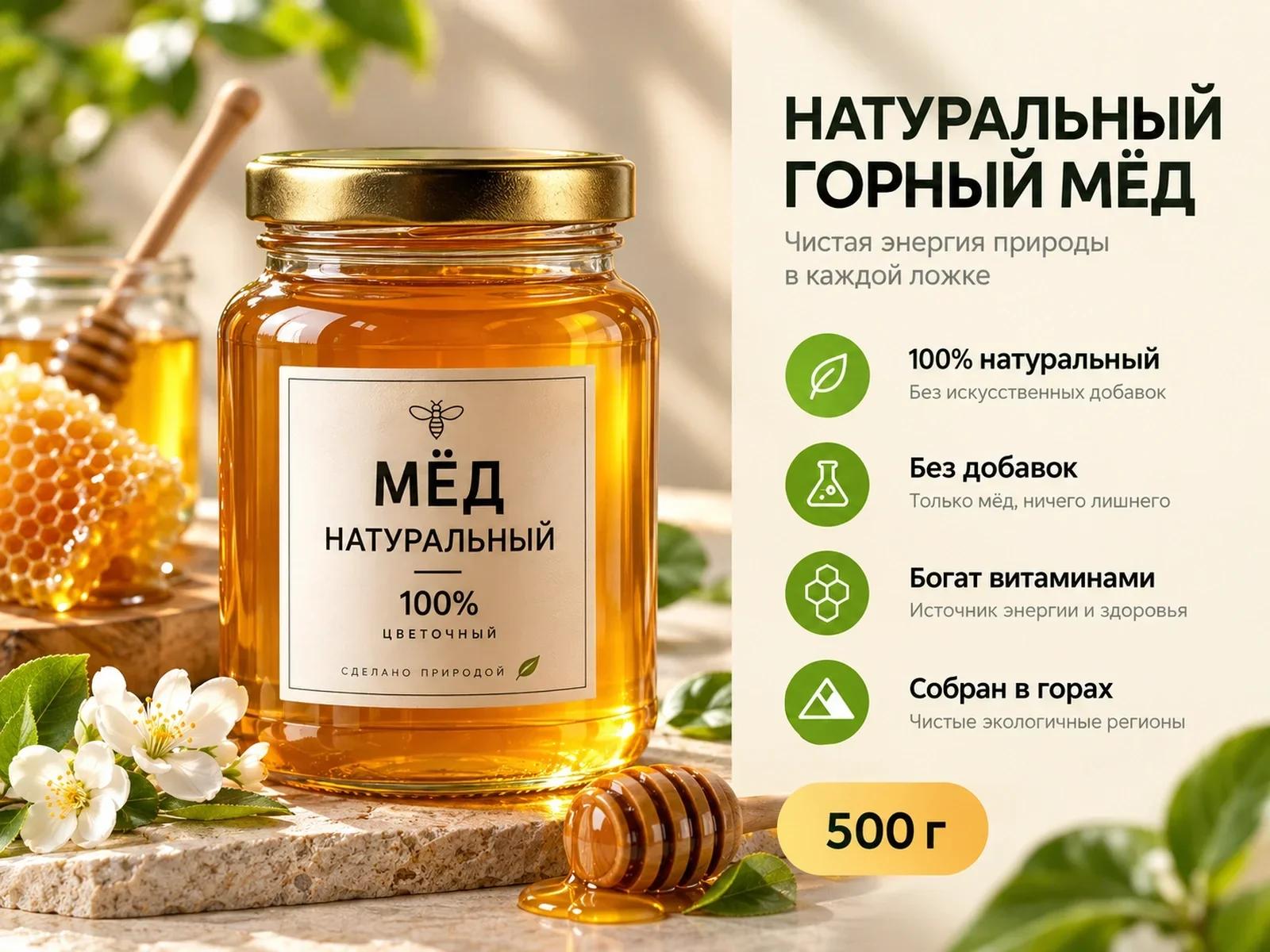

DEMO · Honey marketplace card
Different products need different visual tasks
These examples illustrate presentation. Verify your own product specifications and package contents separately.
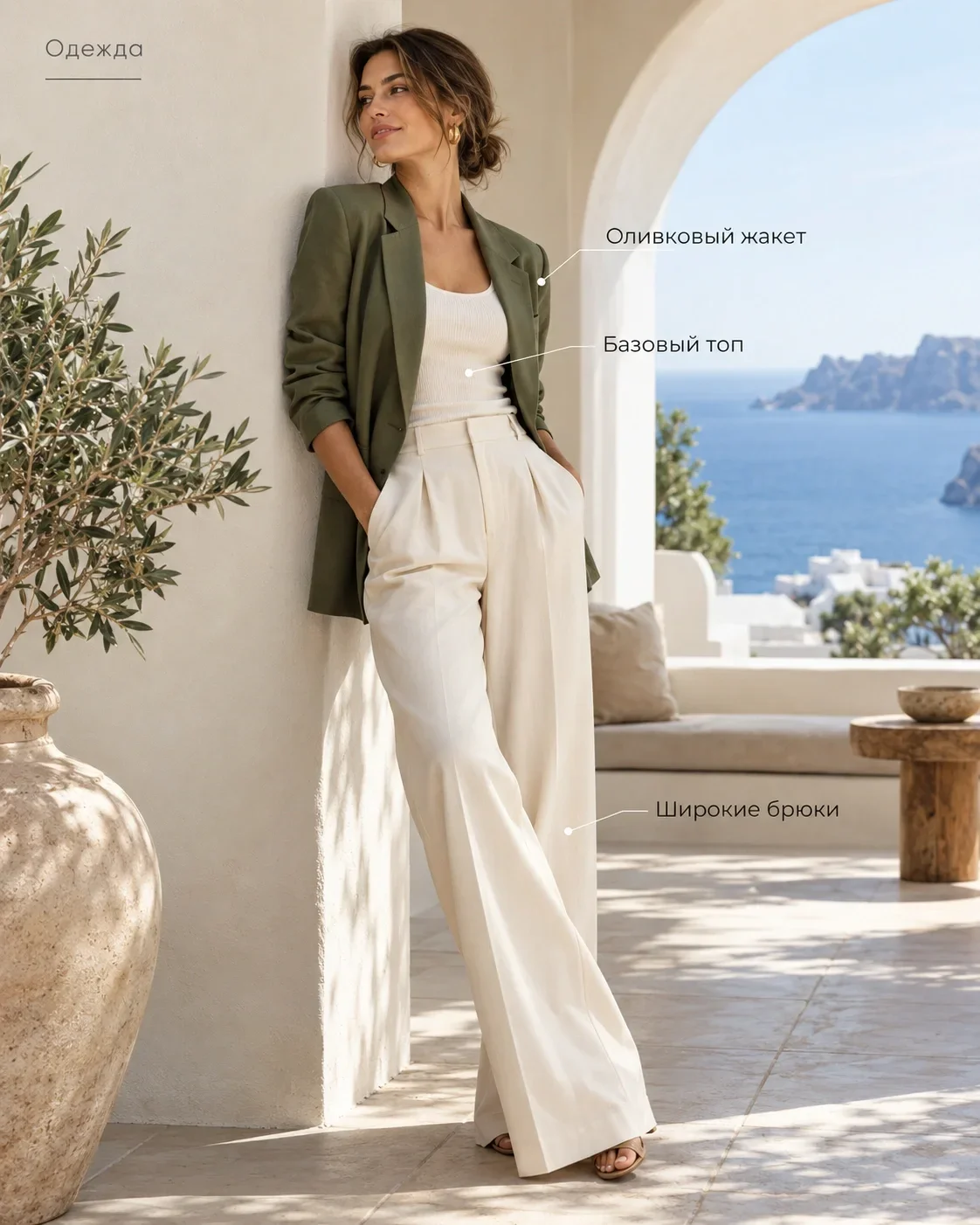
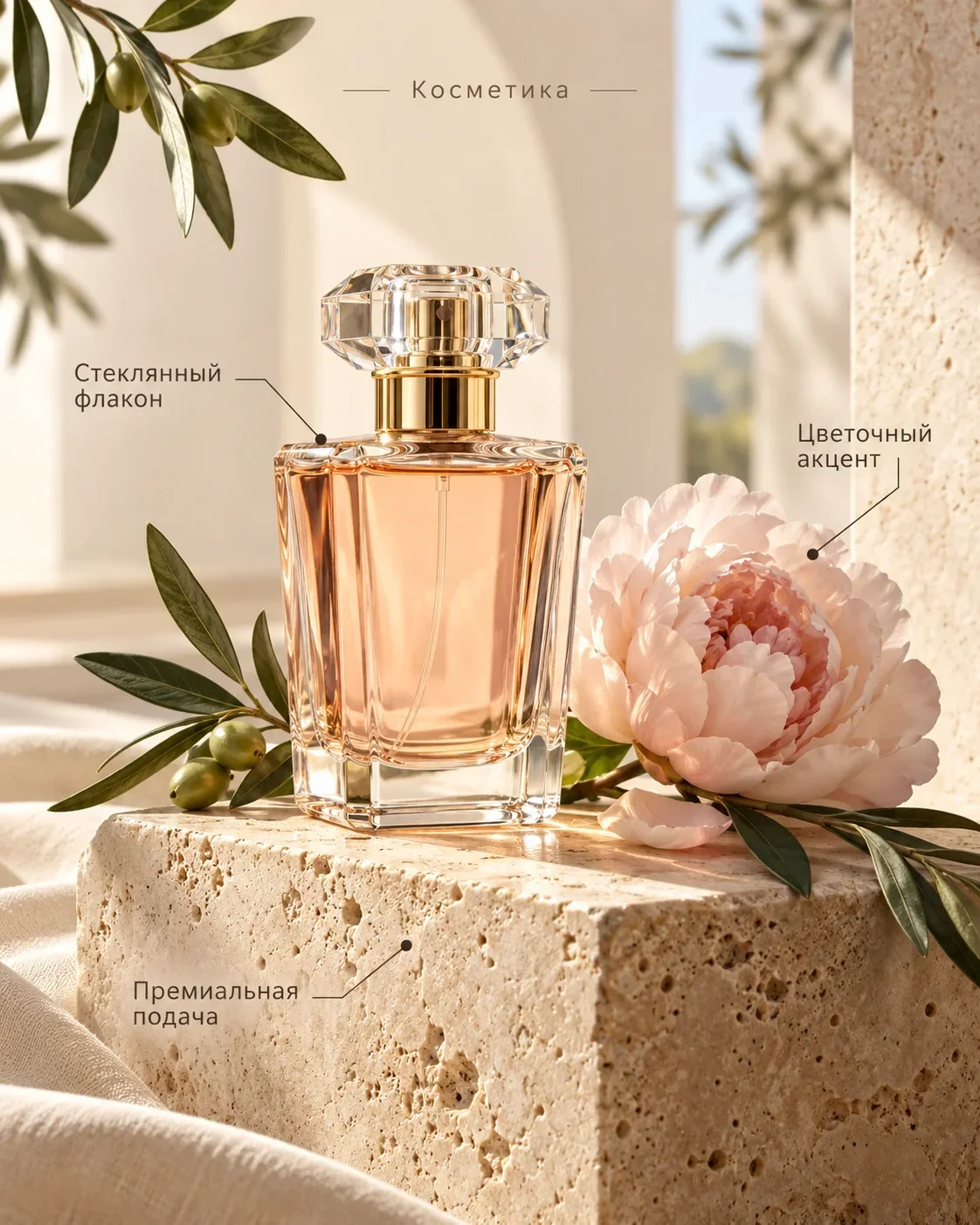
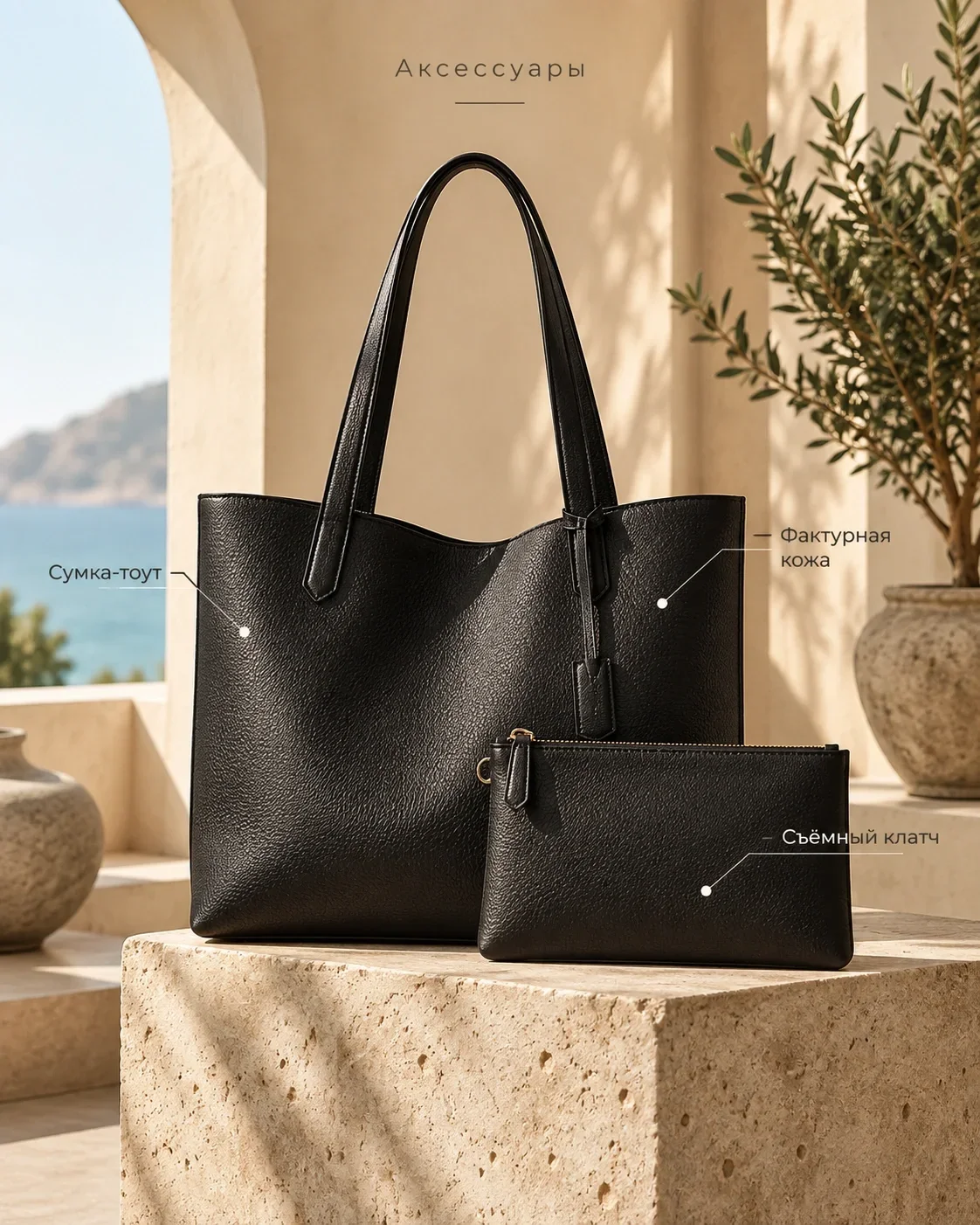
Make the main image easy to understand
A customer should be able to recognise the product before reading every caption. Start with a useful angle and a complete outline. For clothing, make the cut visible; for cosmetics, preserve the packaging and label. Let the product lead the composition rather than surrounding it with competing decorations.
The examples show ways to present a product, not a claim that the material has been published or approved by Wildberries. Use your own source and facts. Compare the small preview with the full-size image: both should communicate the same item and purchase.
Show clothing without changing the garment
For suitable clothing categories, a model presentation can help explain silhouette and length. Choose a pose that leaves the garment visible. Check the neckline, sleeves, pockets, fastenings and print against the source photograph.
A generated fold should not become a new seam or a different construction. Avoid accessories that hide what the customer needs to inspect. A model image does not establish a size chart or guarantee fit on every person; those details belong in separately confirmed product information.
Use a setting when it explains something
A restrained everyday setting can support the intended use of a bag, accessory or home item. Keep the scale and placement plausible. If props dominate the frame, simplify the scene until the actual product is easy to identify.
Do not let decorative objects imply that they are included in the purchase. Nor should a scene promise an unconfirmed property, such as water resistance or a special performance benefit. The setting provides context; it is not evidence of a specification.
Add benefits with a factual basis
Choose a small number of facts that help someone decide: material, dimensions, quantity or a useful construction detail. Obtain them from documentation or measurements. Do not ask AI to infer composition or durability from the photograph.
Keep captions short and check their wording. Numbers, units and material names deserve a separate proofread. An unsupported claim about effectiveness or safety should be removed, even if it fits the layout beautifully.
Give the headline, product and captions distinct roles
Let the headline establish the main idea, the product demonstrate the item and the captions clarify details. If every element demands equal attention, the viewer has to search for the message. A limited palette and enough open space usually make review easier.
Check the image on a phone. If the headline is visible but the garment or package is not, give the product more space. If a caption is difficult to read, shorten it before reducing the type further.
Fix the cause of a weak result
A blurred source, excessive copy and an unknown specification need different fixes. Take a clearer photograph, edit the text or verify the fact. Repeating a generation does not replace those decisions.
Review the product after any substantial visual change. A vivid background can distract from an altered edge or extra detail. First establish a faithful representation, then choose between acceptable versions by style.
- Replace an unclear source.
- Keep one main message.
- Remove unconfirmed claims.
- Check shape, colour and construction.
Prepare the file for the seller account
Keep the image consistent with the title, specifications and package contents entered in the seller account. Check the current Wildberries requirements for your category before uploading. This page deliberately does not prescribe changing pixel dimensions or universal moderation rules.
Save the checked file and its source together. After publication, inspect the preview and open image from the customer’s perspective. Preparing visual material is one part of a listing, rather than a guarantee of acceptance or commercial performance.
Prepare a photograph and confirmed information. Choose a format and review the result in Studio.
Start with your photo ↗Pricing
See the current cost
Current operation prices and available coin packages. Studio shows the selected task’s cost before you start.
- Product photo
- 3 coins
- Image editing
- 1 coins
- Marketplace card
- 3 coins
Старт
390 ₽45 coins
Базовый
990 ₽120 coins
Про
2 490 ₽330 coins
Before you start
Should clothing use a neutral photo or a model?
Choose the view that explains the item. A neutral image makes details easy to inspect; a suitable model presentation can explain silhouette. Check both against the original garment.
How many benefits should appear in the image?
Use only as many as remain clear in a small preview. Start with one main point and a few short, confirmed details.
Does 1PIC publish directly to Wildberries?
This workflow prepares visual material. Upload it separately and check the current marketplace requirements before publication.
Can AI fill in missing specifications?
No. Prepare confirmed product information yourself and leave unknown properties out of the image.
1PIC / STUDIO
Start with one clear image
Your product, verified facts and a specific visual task provide a result you can meaningfully review.
Start with your photo